How to Make the Most of Your Vox Connectivity Line

Tips to make sure you’re getting what you signed up for

Picture the scene. It’s early afternoon and your small one is streaming HD videos in one room, your teenager is on a video call in their bedroom, and mom and dad are both working from home, simultaneously accessing the Internet via different laptops, in two other corners of the house. Best of all, thanks to your Fibre to the Home (FTTH) Internet connection, there’s no buffering or lagging in sight.

 

How to Make the Most of Your Vox Connectivity Line
How to make the most of your Vox connectivity line

Looking back, it’s quite surprising to think that even 15 years ago, this wasn’t a common scenario – for starters, YouTube was only started in 2005, and Netflix Streaming in January 2007. As for widespread Fibre connectivity in South Africa, it was still just a twinkle in somebody’s eye, because the first subsea Fibre cable to reach South Africa went live only in 2009. Today, Internet access has become one of the most important areas of our lives.

Internet connectivity opens us up to an incredible world of information, entertainment and opportunity, and nobody wants a slow or buffering connection, while price and value-conscious consumers are justifiably concerned about getting true value from their purchases. But what happens when you’ve paid for a decent Internet package, but it doesn’t seem to be working quite as well as you expected? When the Modern Family-inspired Internet scenario sketched out above starts stuttering and freezing?

Because even with a Fibre Internet connection – generally regarded as the crème de la crème of Internet connectivity – several factors can still reduce the performance of your Fibre to the Home (FTTH) Internet speed and reliability.

This article looks at how you can make the most of your Vox FTTH Connectivity line when certain challenges rear their heads.


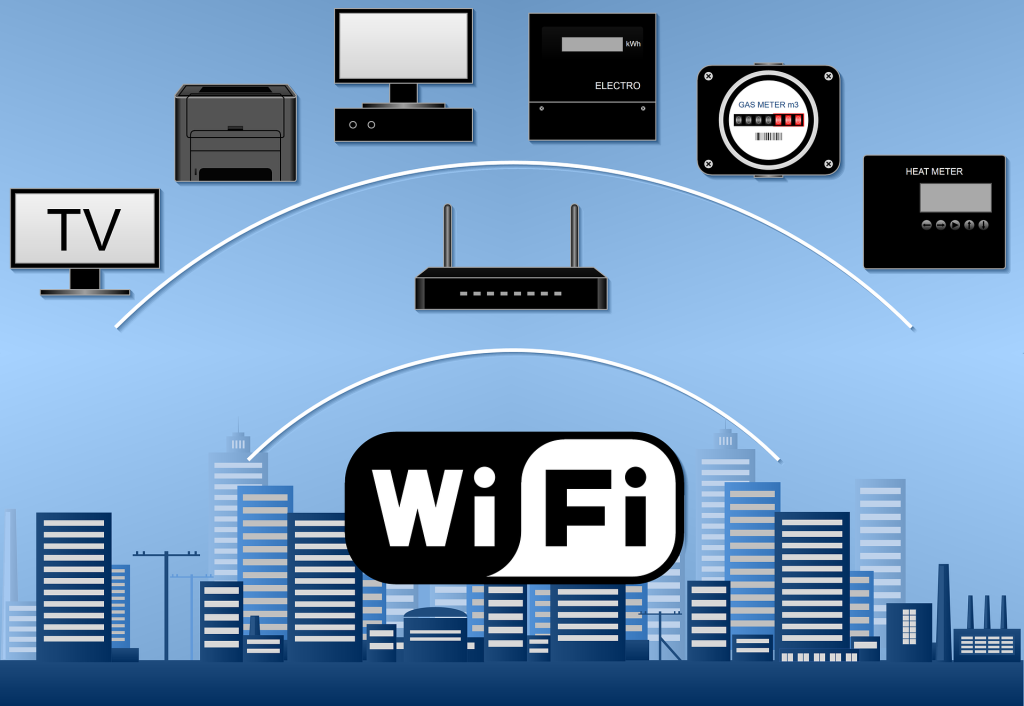
Wi-Fi: Enabling Wireless Connectivity from Your Fibre Optic Line  

improve Wi Fi signal


Good Internet connectivity depends on many factors, including your Internet Service Provider (ISP) first and foremost, as well as the speed of your chosen Internet package; whether your devices are modern or no longer that new; and Wi-Fi options and challenges.

  • The job of a Wi-Fi router is to ‘convert’ the data packets carried within light pulses through Fibre Optic cables laid in your neighbourhood, into the Wi-Fi radio wave signal inside your home.
  • This then enables your family’s digital devices – laptops, tablets, smartphones and smart TVs – to link into the Internet, creating a wireless Internet connection for your home (cable-free Internet, in other words).


Wi-Fi functionality is integral to the performance of your Fibre-based Internet line.


Improving Your Wireless Signal

 If your internet connectivity line doesn’t seem to be giving you the results you were expecting, or if you’re experiencing Wi-Fi dead zones in your home (caused by the distance of your device from the wireless router, thick walls or electrical interference), there are a few things you can do to improve your Wi-Fi network, as follows:

  • Router position: Choose a central location in your home, and raise the router off the floor. Also, don’t place the Wi-Fi router inside a cupboard or desk. Sometimes just raising the router a little higher up from the floor for better signal distribution will increase its range and speed. Make sure your router is away from other electronic and electrical equipment, metal objects and solid brick or concrete walls.
  • Router speed: Your router should handle a speed rated the same or higher than your chosen Internet package. And so, if your Fibre Internet is 500Mbps, your router should be able to offer speeds at least this fast.
  • Number of devices: All Wi-Fi equipment supplied by Vox is strong enough to cover an estimated 100 square metres, depending on what material your walls are made of. Vox recommends adding an additional device for every 50 to 100 square metres extra.
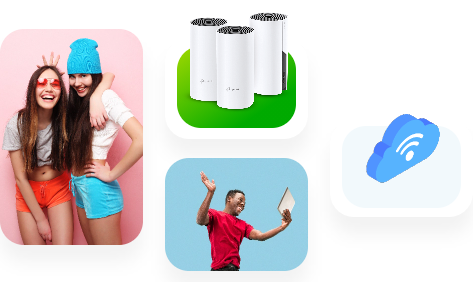
  • Mesh System to enhance signal: If the Wi-Fi range in your house is poor, a Vox mesh router system can help to push the signal further, so the whole family can stay connected throughout the house, providing an uninterrupted lag-free high-speed Wi-Fi connection for multiple devices in every corner of your home.Vox Wi Fi Home Mesh
  • How many mesh units can I have in my home? The Vox two-pack can connect up to 100 devices and you can include up to eight units in your home if more coverage is needed. A Vox Wi-Fi Home Mesh network can handle a mix of IoT products, smart TVs, smartphones, tablets and other electronic devices, such as wireless printers.
  • Other devices can interfere with your Wi-Fi connection, including microwave ovens, cordless phones, Bluetooth products, baby monitors, alarms, cameras and other wireless LANs. To prevent this, position the Wi-Fi router or mesh extender as far away as possible from microwave ovens, Bluetooth devices, and 2.4 GHz cordless phones.
  • App-Enabled: If you want to check your Wi-Fi range, there are apps available for Apple and Android smartphones, for example ‘Sweetspot’ for Apple and ‘WiFi analyzer’ for Android.
 

Not Just the Wi-Fi to Consider

A Wi-Fi router is not the only critical component that enhances your user experience.

  • Wired after all: As outlined above, a Wi-Fi Home Mesh network can provide incredibly strong Internet connectivity, but there are still times when an Ethernet cable might be the best solution – for example, if you have very thick walls, or for plugging into an HD television or gaming setup, where the speed needs to stay high and the connectivity lag-free. Look at buying an Ethernet cable that is rated for ‘Cat 5e’ or ‘Cat 6’.
  • Great Internet, old device = problem: You won’t get the maximum range and performance from a newer wireless router unless your devices also use the same Wi-Fi standard. An old laptop is unlikely to have ‘ac’ or ‘n’ Wi-Fi access, so check the specifications to see which wireless standard it is using. If you don’t want to buy a new laptop straight away, you can buy a wireless adapter that plugs into a USB port on your laptop.


The Magic of Blazing Fast Internet
 

Vox Wi Fi Home Mesh

When you signed up for your FTTH Internet connection, you chose an option for yourself and your family that is fast, reliable and future-proof, and ready to deliver you the best possible Internet experience. Considering its scope and importance, maximising your internet connectivity line is critically important.

The good news is that you can optimise your home Wi-Fi experience with the right choice of routers, extenders and mesh options.

Your Vox Home Fibre line is future‑proof and capable of delivering outstanding home Internet, but a few simple tweaks to router placement, device choices and using mesh or Ethernet where needed will ensure the whole family gets the experience you expected.

If you need help optimising your home Wi‑Fi or want to add Vox Wi‑Fi Home Mesh, simply visit vox.co.za, sign up with Vox, or contact Vox Support on 087 805 0530.

With Vox Fibre to the Home, you are enabled by great Internet access. Welcome to a world of online opportunities.


Frequently Asked Questions

How can I tell if the issue is my Vox Fibre line or my home Wi‑Fi?

Run a speed test directly from a device connected by Ethernet to your router. If wired speeds match your plan, the issue is likely Wi‑Fi or device related.

How many Vox mesh units do I need?

A Vox two‑pack covers many typical homes and supports up to 100 devices. You can add up to eight units for larger homes or difficult layouts.

Where should I place my router for best coverage?

Position the router centrally, elevated and away from thick walls, metal objects and kitchen appliances. Avoid cupboards or behind large furniture.

Will a mesh system reduce my Internet speed?

A well-configured mesh keeps speeds high across the home. For best performance, place mesh units strategically and use wired backhaul where possible.

Do I need a new router if I upgrade my Vox Fibre package?

Your router should support the speed of your new package. If it’s rated lower than your plan, consider upgrading to a higher‑spec router or Vox Wi‑Fi Home Mesh.

Can old devices cause slow Wi‑Fi for the whole house?

Older devices can occupy airtime and reduce performance for others. Where possible, update device Wi‑Fi adapters or move bandwidth‑heavy tasks to wired connections.

Is Ethernet worth the hassle for a smart TV or console?

Yes. Ethernet (Cat 5e/Cat 6) offers the most reliable, low‑latency connection and is ideal for HD streaming and competitive gaming.

How do I contact Vox Support for help?

Visit vox.co.za for product info and self-service tools, or call Consumer Support on 087 805 0530 for assistance.

Playing Detective: Why Do I Have No Internet Access?!!

Possibilities to unpack

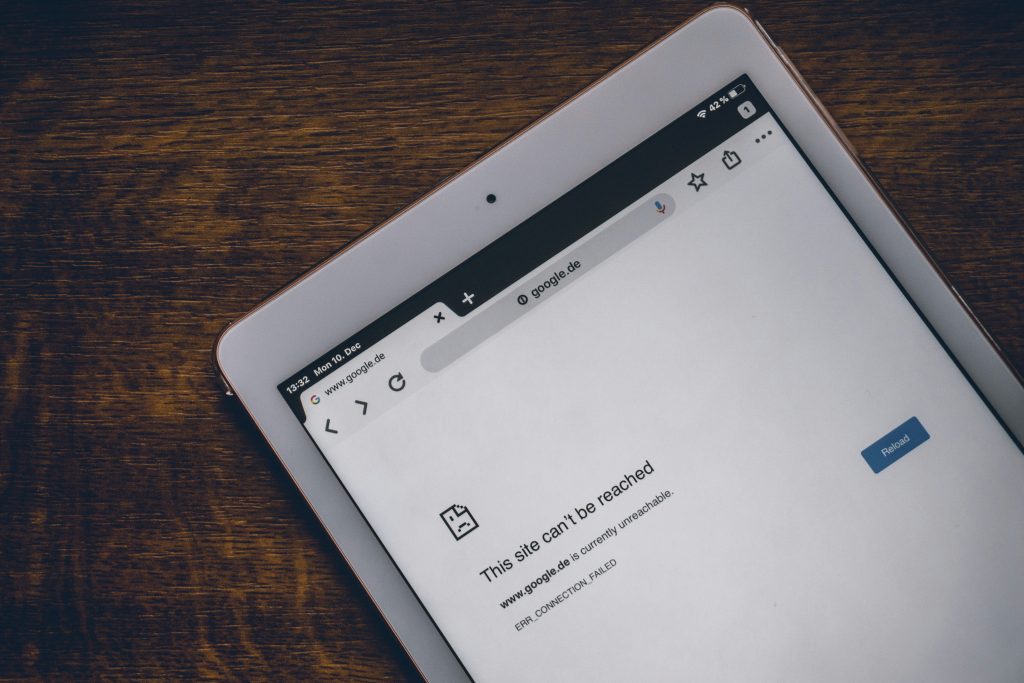
There’s never a good time for the Internet to go down, and we’ve all been there – that “Oh nooooo!” moment of discovering that there’s no Internet access (generally the polar opposite of an “Aha!” moment). Whether or not there’s an instantly obvious reason as to why you suddenly have no Internet access (for example, an unexpected power outage), you’ll want to get back online immediately to carry on with where you were, whether it was working, streaming, gaming or banking.

Finding out exactly where the fault lies can be a little like playing detective (probably a detective in a bad mood). Let’s take a look at the possible reasons for your lack of Internet access, and how to handle the problem.


ISPs versus FNOs

With Fibre Internet connectivity, customers generally deal directly with their Internet Service Providers (ISP) – which is where Vox comes in – but Fibre Network Operators (FNOs) also play a significant role in the connectivity landscape.

  • An FNO installs, owns and maintains the Fibre Optic Cable network infrastructure that allows users to access the Internet.
  • An ISP manages how customers receive their Internet services, essentially acting as a middleman between the FNO and the customer. The ISP manages the speed and bandwidth of the Internet coming from the FNO’s cables into your home, offering different Internet packages to cater for different customers’ needs.


Help – My Internet Access is Down!

Let’s say you’re watching your current favourite TV show via a streaming service and the screen suddenly goes blank (but the lights are still on). First things first: try to keep your blood pressure under control, and then check that the issue doesn’t lie with the TV. If you can access your show on your phone or laptop, then it’s not Internet access that’s down but rather your smart TV.

On the other hand, if you’re having connectivity issues across multiple devices, you can then assume that something has gone wrong with your Internet access. There could be a few reasons for this.

internet down

  • Check that your Wi-Fi router and/or ONT (modem) isn’t malfunctioning: Your ONT (also known as an Optical Network Terminal) is the box on the wall (originally installed by the FNO) that connects the Fibre cables outside your property to your Wi-Fi router inside. Make sure all cables are connected properly and that none have come loose. If everything seems fine, unplugging and plugging back in, then waiting about 30 seconds for the device to reboot, usually fixes most ONT and / or router problems.


Additionally, you might physically be too far away from your Wi-Fi router, or the router itself is in the wrong place. Ideally, your Wi-Fi router should be in a central location in your home, not too close to the floor and away from your kitchen Microwave or other electronic devices that might interfere with the radio signal, such as a baby monitor in a child’s room.

  • The Wi-Fi network might be congested (externally and internally):

While network congestion won’t necessarily knock out your Internet connection completely, it can certainly cause slower speeds. Are other members of your family causing your Internet access to slow because of massive bandwidth consumption via streaming, downloading or gaming?

Besides waiting for the congestion to clear (or bribing your teenagers to stop playing), you can make the most of the speeds you are getting by placing your router in an optimal location (as outlined above), adjusting your Wi-Fi settings or using an Ethernet cable.

wi fi 5438427 1920 | Vox | Playing Detective: Why Do I Have No Internet Access?!!


The good news is that usually, ISP outages happen rather seldom and are resolved as quickly as possible; it’s not in the best interests of any ISP to be slack in leaving things unresolved.

  • Is it the FNO? This is where it can get tricky for consumers. Their ISP is usually their first port of call and being told, with apologies, that “It’s not us; it’s the people who provide the Fibre network to your area” can feel like someone is not taking ownership. Having contacted your ISP, you could use your mobile phone data and see if there are any outages reported on Twitter, or perhaps your neighbourhood WhatsApp group. If there’s a number to call, do so – and again, hopefully the problem will be resolved as quickly as possible.


Sometimes, Fibre networks go down because of breaks in submarine Fibre cables in the ocean – that’s generally a global issue, and a massive headache for everyone.

  • Power outages: If the power goes out, so does your Wi-Fi router, so we can’t forget about electricity issues, whether they are called load shedding, load reduction or come in a no-name brand packaging. Best practice advice is to support your Wi-Fi connection with an uninterruptible power supply (UPS). ONTs and routers use very little electricity, and having access to a UPS could save your Teams meeting – and your sanity.


Few things today are more guaranteed to put us instantly into Angry Detective Mode than suddenly losing our Internet access.


detective 8619520 1920 | Vox | Playing Detective: Why Do I Have No Internet Access?!!

The most common cause is a problem with your router or modem, or a loose cable, but your Internet can also fail because of a more technical reason. Whenever there’s an issue, you can always contact us and we will gladly be of assistance.

At Vox, our help is available 24 hours a day, throughout the year.


When to contact Vox support

If you’ve run the checks above and still have no internet access, contact Vox for assistance:


Quick FAQs

Q: My TV lost streaming but my phone works — is the internet down?
A: No – this usually means the smart TV or the app is at fault. Try restarting the TV or app first.

Q: How long do ISP outages usually take to fix?
A: Most ISP issues are resolved quickly; longer outages can occur if there’s damage to the fibre network or major maintenance.

Q: Can broken submarine fibre affect my home connection?
A: Yes. Submarine cable faults can cause wider regional disruptions, which your ISP will report on if affected.

Q: My device shows ‘connected’ but there’s no internet – what now?
A: This often means the device is connected to your router but the router itself has lost upstream connection. Reboot your ONT and router, try a different device, and if multiple devices still have no internet, contact Vox on 087 805 0530.

Q: Can I use my phone’s mobile data as a temporary fix?
A: Yes, you can hotspot your phone to get devices online while you troubleshoot. Remember mobile data may be slower or limited by your cap, so use it for essential tasks until your home connection is restored.

Q: I see a cut or damage to fibre outside my property — who fixes it?
A: Physical fibre repairs are handled by the Fibre Network Operator (FNO). Report the issue to Vox support (087 805 0530 / help@voxtelecom.co.za ) so they can escalate to the FNO and arrange a repair.

Vox Launches LTE-A Packages with Rain

Vox is expanding its wireless portfolio through the introduction of several broadband internet packages using Rain’s Long Term Evolution-Advanced (LTE-A) network, with prices starting at R549 per month.

Rain, previously Wireless Business Solutions, recently announced the rollout of over 1500 LTE-A base stations across the country, with the intention of expanding coverage to a total of 2 000 sites by the end of 2017 and 4000 by the end of 2018.

The LTE-A package is an easy to use, SIM card based service running over a more robust network that offers end users with higher throughputs of up to 50Mbps – speeds that are more associated with fibre links.

“With the introduction of these packages, customers now have a wider range of choice when it comes to selecting a broadband connectivity provider. We further simplify the process by delivering the SIM and Huawei router right to the customer’s doorstep and ensuring that they are RICA compliant,” says Phiana de Villiers, product manager for wireless at Vox.

Vox will initially offer five LTE-A packages: a Basic Plan with 55GB of data, an Advanced Plan with 85GB of data an Ultimate Plan with 120GB, and 220GB Plan and a 330GB plan. The roll out is supported by a double data promotion through which the customer will receive double their data allowance at no additional cost.  In addition, customers will be able to purchase top-up data vouchers ranging from 1GB to 20GB via the company website, ranging from R10 to R200. 

Adds De Villiers, “It is a capped service, which gives customers control over their spending and ensures that there is no bill shock at the end of the month.”

Customers have the option of entering into a long-term contract where the cost of the router is built into the monthly subscription, or by buying the router upfront and paying for their data plan on a monthly basis. Customers can use the map on Rain’s website (http://www.rain.co.za) to determine if they have LTE-A coverage in their area.

“In order to provide customers with an even better internet experience, we will in the near future introduce packages that include a router with an external antenna which will be  delivered and installed at the customer’s premises,” says De Villiers.

The new product offering strengthens Vox’s portfolio of wireless connectivity solutions, which already includes microwave, satellite and 3G services.